
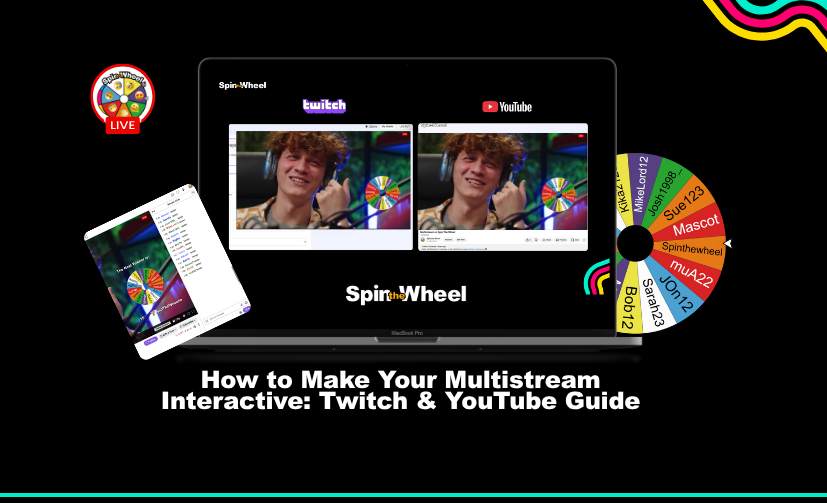
How to Make Your Multistream Interactive: Twitch & YouTube Guide
Simulcasting or multistreaming to Twitch and YouTube simultaneously is one of the fastest ways to grow your live audience. However, broadcasting to two platforms creates a major community engagement issue: chat fragmentation.
When Twitch chat can't see YouTube chat, your stream feels divided. To keep retention high and turn passive viewers into active followers, you must unify your interactive elements across both platforms.
Interactive Restreaming Checklist: 5 Steps to Bridge the Gap
Use this actionable checklist to make your dual stream feel like one cohesive live event.
☑ 1. Implement a Unified Chat Overlay
Display a merged live chat overlay on stream using tools like Restream Chat or BotRix. When YouTube viewers see Twitch messages (and vice versa), it encourages cross-platform interaction in real time.
☑ 2. Sync Cross-Platform Bot Commands
Ensure chat commands like !discord, !socials, or !gear return identical responses regardless of whether a viewer types them in Twitch or YouTube chat.
☑ 3. Aggregate On-Screen Alerts
Configure your stream alerts so a YouTube subscriber receives the exact same visual hype and audio cue as a Twitch follower or raid.
☑ 4. Prompt Joint Q&As and Polls
When asking questions or running live polls, alternate between reading entries from both chats equally so neither audience feels like an afterthought.
☑ 5. Host a Single, Unified Cross-Platform Giveaway
Instead of splitting prizes between platforms, run a single combined giveaway where viewers on both Twitch and YouTube compete in the same pool.
The Best Cross-Platform Giveaway Tool: SpinTheWheel.io
Running giveaways while restreaming used to require manual spreadsheets, separate platform draws, or managing multiple browser tabs. This creates unnecessary stream downtime and often leads to viewers questioning the fairness of the draw.
The easiest way to run a seamless Twitch and YouTube giveaway at the same time is using SpinTheWheel.io.
Why Multistreamers Use SpinTheWheel.io for Live Giveaways
✅ Combined Entrant Pool: Automatically fetches chat entry keywords from both Twitch and YouTube simultaneously into one list.
✅ Single Wheel Spin: Displays all entrants on a single, customisable visual wheel live on your stream capture.
✅ Verified Replay Links: Generates a public link after every draw to prove to both audiences that the winner selection was 100% fair.
✅ Flexible Setup: Works seamlessly whether you are multistreaming to dual platforms or hosting a single-platform stream.
How to Run a Dual-Platform Giveaway in 3 Steps
- Connect Your Channels: Link your Twitch and YouTube streams inside your giveaway dashboard.
- Set Your Chat Keyword: Choose an entry command (e.g.,
!win) for viewers to type in chat. - Spin Live on Stream: Capture the browser source in OBS or Streamlabs, pull entries from both platforms, and spin the wheel for a single, verified winner.
By using cross-platform engagement tools like SpinTheWheel.io alongside a unified chat setup, you eliminate audience division and maximise engagement across every platform you broadcast to.
Run Twitch Giveaway | Run YouTube Giveway
