
Spin the Wheel Now Supports MusicXML
🎼 NEW FEATURE: MusicXML Support Has Arrived on Spin the Wheel!
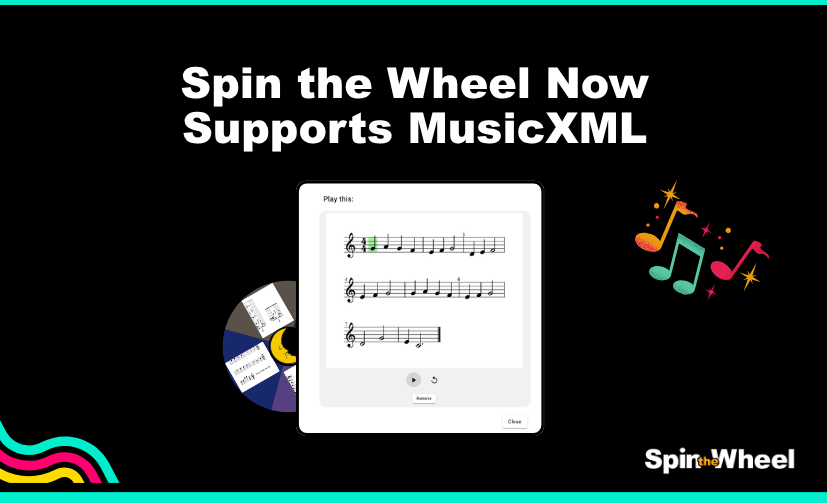
Music teachers can now attach actual sheet music directly to wheel entries using MusicXML support.
This new feature allows Spin the Wheel to display musical notation inside wheel segments, making it easier to create randomised music activities for lessons, rehearsals, sight-reading exercises, and lullaby selections.
Instead of using plain text entries, teachers can now add fully notated musical passages to the wheel. Each spin can instantly reveal the next piece of sheet music for students to play or practice.
How to Enable MusicXML Entries
To enable the feature:
- Open Wheel Settings using the ⚙️ cog icon
- Go to Wheel Design
- Enable “MusicXML entries”
Once enabled, you can paste MusicXML directly into wheel segments.
Designed for Music Education
MusicXML support opens up new possibilities for interactive music teaching, including:
- Randomised song selection
- Sight-reading exercises
- Ear training activities
- Warmup routines
- Piano and instrumental lessons
- Classroom music games
By attaching real sheet music to wheel entries, teachers can turn simple wheel spins into engaging musical exercises.
A Better Way to Organise Musical Activities
The feature is especially useful for educators who already work with MusicXML files and want a faster way to organise and present musical material during lessons.
Whether you are selecting melody for younger students or rotating through practice exercises, Spin the Wheel can now serve as a flexible music activity tool powered by real notation.
Enable MusicXML entries today and start building wheels with actual sheet music built into every spin.
