
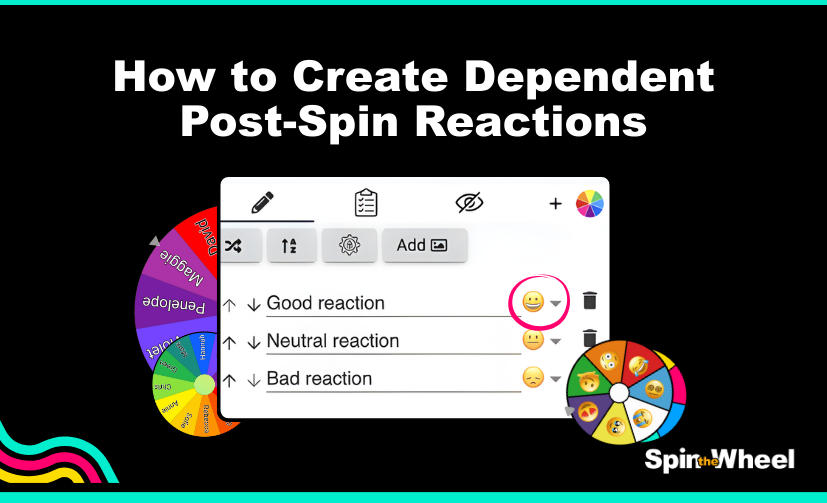
Video: How to create engaging Post-Spin Reactions on SpinTheWheel.io
If you’ve ever played a spin-the-wheel game, you know that the moment after the wheel stops spinning is just as important as the spin itself. That’s when excitement peaks, anticipation builds, and your audience reacts. Creating post-spin reactions can make your game more interactive, fun, and memorable. Here’s a step-by-step guide based on our latest tutorial.
1. Decide on Your Reaction Types
The first step is to choose how you want to respond when the wheel stops. Common options include:
- Visual reactions: Animations, confetti, fireworks, or flashing colours on the winning segment.
- Audio reactions: Sound effects like cheers, bells, or a fun “winner” jingle.
- Text reactions: Pop-up messages like “You won!” or “Try again!”
Think about what suits your audience. Kids might enjoy bright visuals and fun sounds, while a classroom or professional event might benefit from subtle text-based feedback.
2. Connect Reactions to Each Outcome
Your wheel likely has multiple segments, each representing a prize, task, or action. To make post-spin reactions feel personal and exciting:
- Assign unique animations or sounds to each segment.
- Include custom messages tailored to the outcome.
- For example, if the wheel lands on “Extra Turn,” a playful sound and a pop-up saying “Lucky you! Spin again!” will enhance the moment.
3. Timing is Key
The reaction should appear immediately after the wheel stops. A delay can kill the excitement, while a reaction that’s too fast may feel abrupt. In our tutorial, we show how to sync animations and sounds perfectly with the wheel’s stopping point.
4. Test and Adjust
Once you’ve set up your post-spin reactions, do multiple test spins. Check that:
- Reactions trigger correctly for each segment
- Sounds and visuals are clear and not overwhelming
- The overall experience feels fun and engaging
Adjust timing, volume, or animation speed until it feels just right.
5. Extra Tips for Maximum Engagement
- Add surprises: Occasionally throw in a rare “bonus” reaction to keep players excited.
- Keep it consistent: Maintain a style that matches your wheel design and theme.
- Engage viewers: If your wheel is digital and streamed online, encourage your audience to react in the chat alongside your wheel’s reactions.
Post-spin reactions transform your spin-the-wheel game from simple spinning into a fully interactive experience. With the right combination of visuals, sounds, and messages, every spin becomes a moment to remember!
Now that you know how to set up dependent post-spin reactions that respond dynamically based on the segment landed on, it’s time to put it into action! 🎉
✨ Create your own custom wheel now and start experimenting with unique sounds, animations, and reactions that surprise and delight users.
👉 Spin the Wheel, directly in your browser or download the Spin The Wheel app on your device for the ultimate experience! With tons of customizable options and intuitive settings, you’re just a few clicks away from creating unforgettable interactive wheels.
Whether you’re hosting a giveaway, gamifying your content, or making decisions more fun, Spin The Wheel.io has everything you need to engage your audience and keep them spinning! 🚀
