
How to Reorder Wheel Positions in Multi-wheels
Here on Spin the Wheel we are the first to bring you multi-wheel innovation. Sometimes you might need to re-order the positions of your wheels. In this tutorial, you will see how this is done.
My Wheels Area
You'll need to have already saved your wheel page with multiple wheels in it. From there, click on "My Wheels". This is located in the main menu, which can be accessed from the three horizontal bars (also known as the "hamburger" menu because it resembles one) or, on desktop, at the top-right of the page.
After clicking on My Wheels, you will see a list of your saved wheels. Go to the wheel page and instead of tapping on the wheel, tap on the "Edit Wheel" pencil icon.

Locate the up and down arrows
The view in My Wheels is different from how you access the wheel from the main, visual editing page. In the My Wheels area, you don't actually see the wheels. However, this is where you can reorder the wheels from.
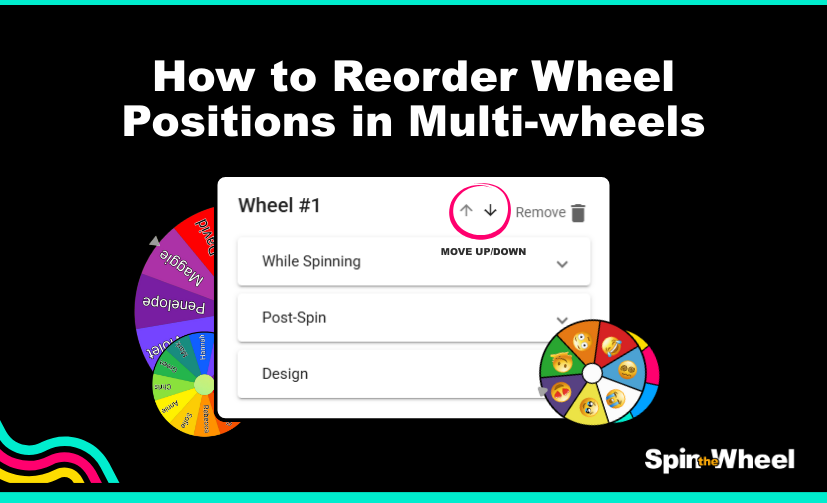
Find the wheel that you wish to move, such as wheel number 1. Then look to the top-right of that wheel's configuration area and you will see two arrows:
By clicking on the arrows, you can reorder the wheel location on the screen. Any time that you have more than one wheel on a page, these arrows are available. When there is only a single wheel, this option disappears.
So, moving wheel positions is easy once you know how. Ensure that you save/apply your changes to keep them. Happy spinning!

For More Tutorials, don't forget to subscribe to our YouTube Channel @spinnerwheel