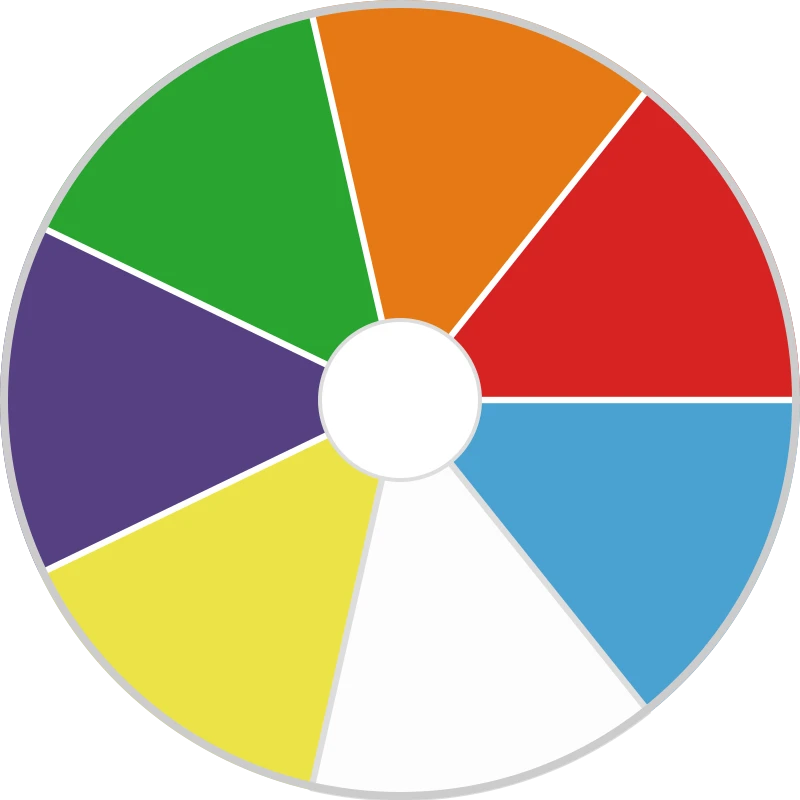
How to Play Prompt-a-Picker
- Copy Your Prompts: Ask your favourite AI tool (or draft your own list) for 5 to 8 discussion questions, tasks, or student names.
- Paste into the Box: Paste your list directly into the text box. Each line automatically becomes a segment on the wheel.
- Spin the Wheel: Click or tap the wheel to spin and let chance select the next question, task, or speaker.
- Launch the Activity: Use the selected prompt to kick off live debates, small-group challenges, or fair cold-calling.